General Ledger
|
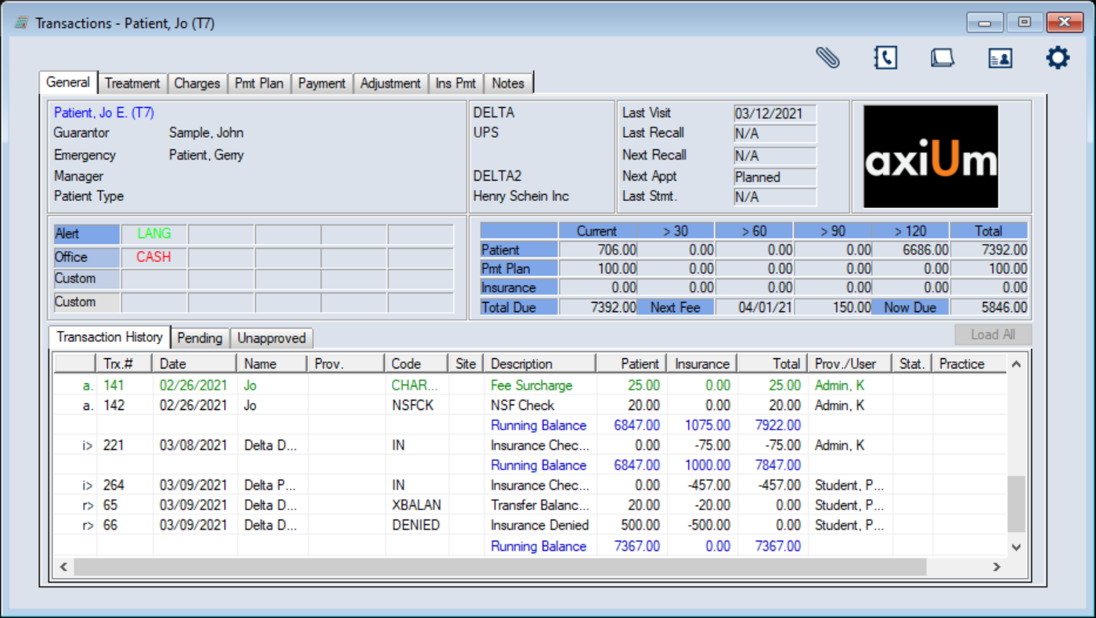
The General tab is commonly referred to as the General Ledger. It displays the selected patient’s personal, financial, and insurance information, as well as any applicable patient alerts, office codes, and custom field information. It also allows you to review a selected patient’s complete account history, including added treatments. Important: The Transactions module focuses on approved treatments. You can view unapproved treatments from the Unapproved sub-tab, but cannot work with them until they are approved. Tip: All treatments entered from the Transactions module do not require approval. The financial information offers a summary of the patient’s financial status and lists the current amounts owed by the patient and insurance company (if applicable). These amounts are separated into payment plan balances and aged balances (>30, >60, >90, and >120 days overdue.) Lastly, it lists the next date any fees are due and the amount due from the patient today. Note: If insurance is a contract-type policy, axiUm displays a Contract ( Tip: You can hover over a code or alert to view the entire description.  Patient Balance Display Methods Patient Balance Display Methods
Patient balances may display in one of two ways on the General tab:
Note: This is similar to FIFO (first in, first out) method. Tip: You can customize how records display in the General tab from the Transactions Options window > General Tab View field. Manage the General Ledger
Display Allocations
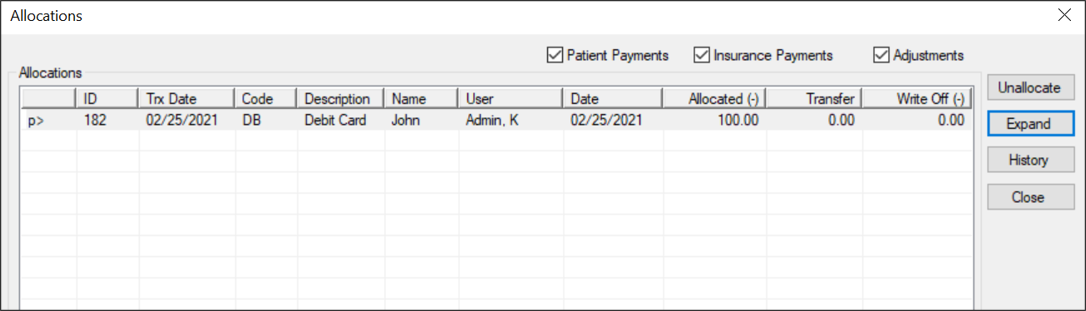
Allocations are the list of payments and adjustments that have been applied to a selected record.
View History
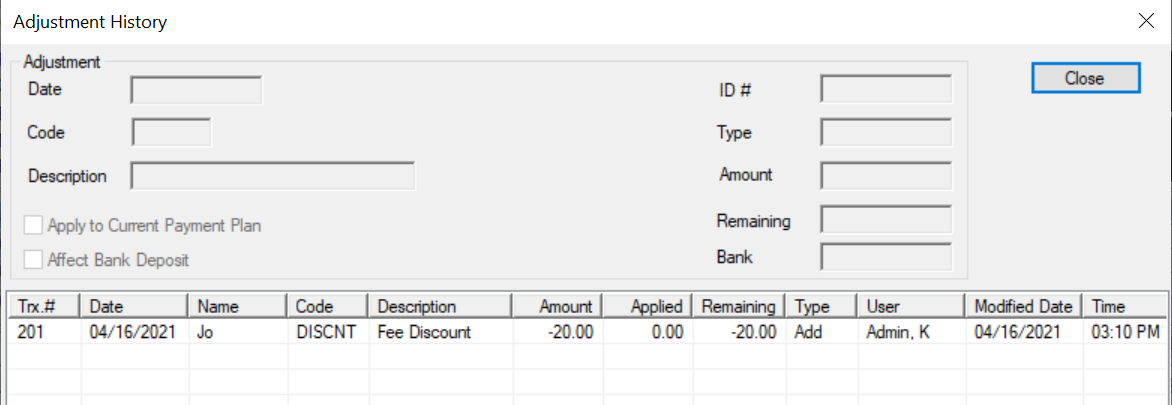
Note: If you selected an insurance record, the Ins. Payment History window displays. If you selected an adjustment record, the Adjustment History window displays. If you selected a payment record, the Payment History window displays.
Review / Unallocate Disbursements
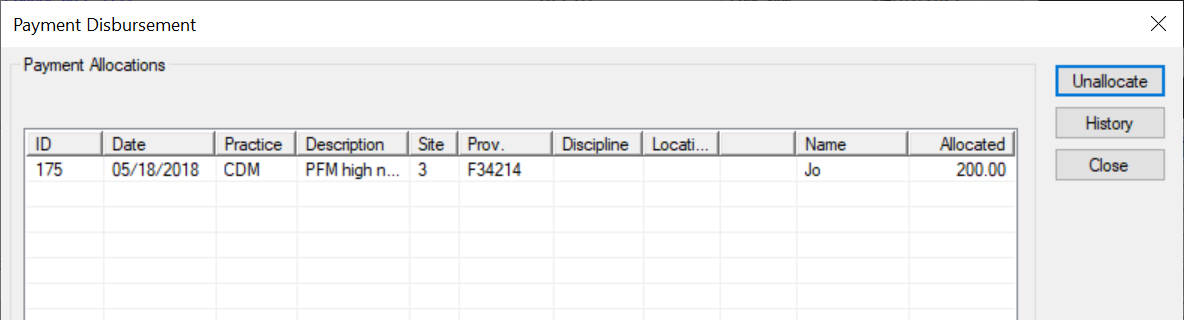
You can review how a payment has been disbursed. Note: If you selected an insurance record, the Insurance Disbursement window displays. If you selected an adjustment record, the Adjustment Disbursement window displays. If you selected a payment record, the Payment Disbursement window displays.
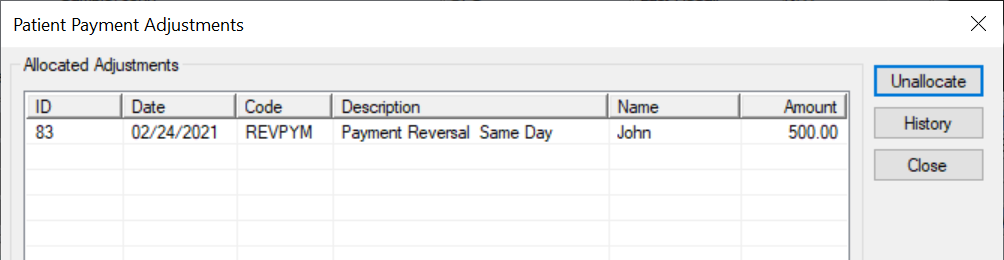
Review Adjustments
You can review how a payment record has been adjusted.
View Claim Submission History
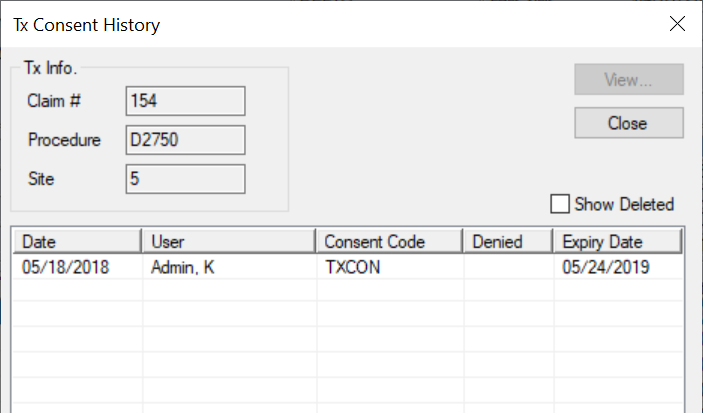
You can view the claim submission history for treatment records. View Tx Consent History
You can view the consent history for treatment records.
Tip: To include deleted records, select the Show Deleted checkbox. Print the General List
|
 ) icon.